On this page
01Have your confirmation ready#
The example starts with an original booking email or PDF. When reviewing a real trip, keep the confirmation available and check that dates, traveller names and booking details are legible.
02Review the extracted details#
In the preview, extracted details are available to review. Compare dates, times and destination with the original confirmation, paying attention to local times and overnight arrivals.
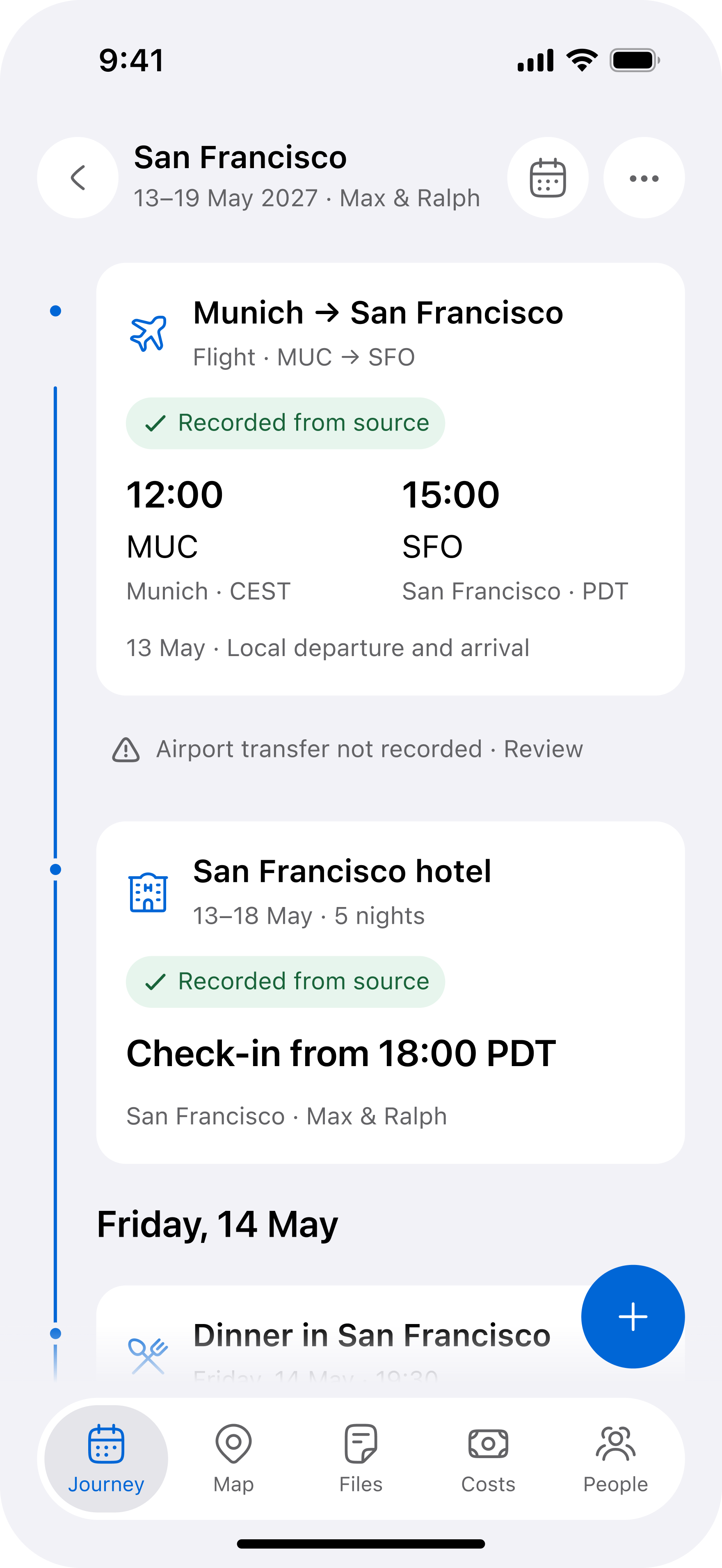
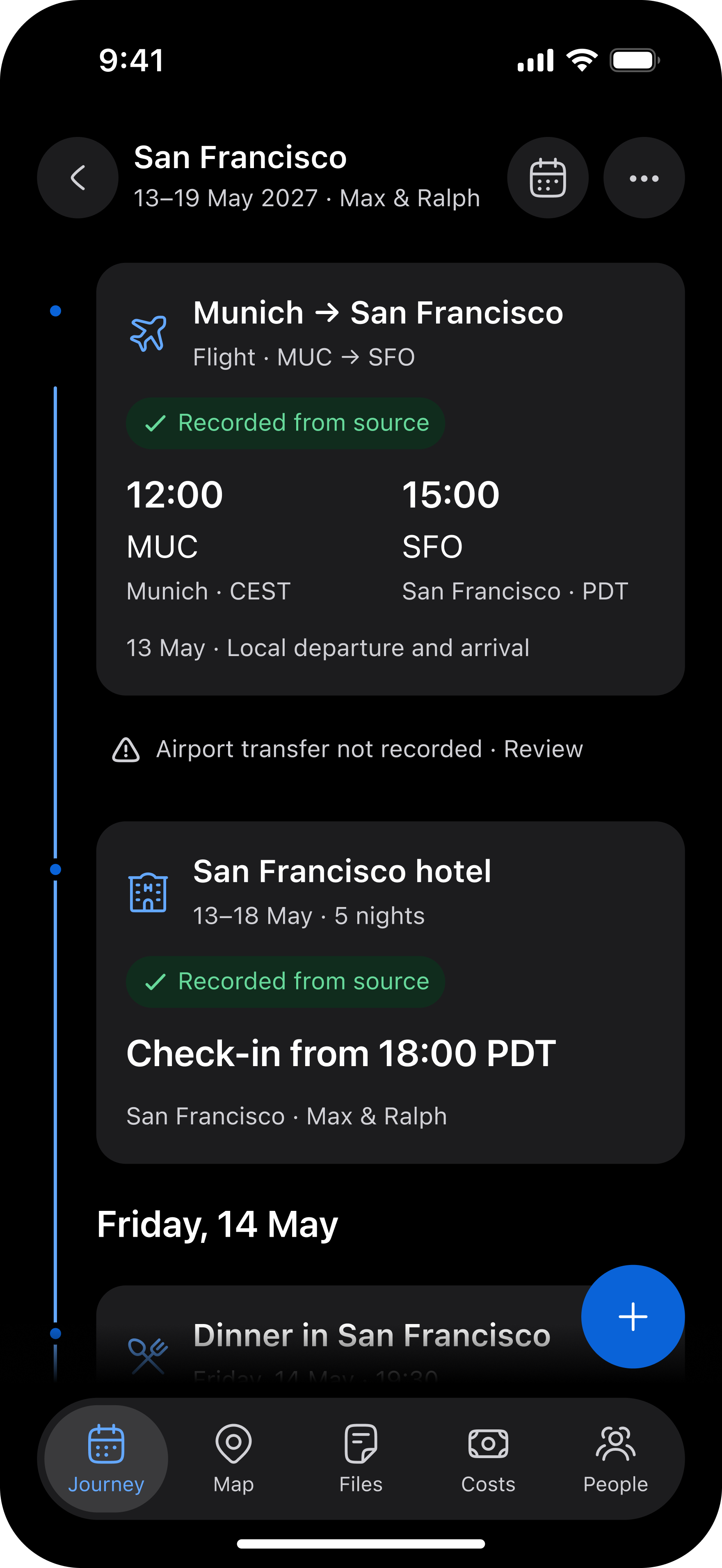
03Check the trip as a whole#
Make sure your flights, stay and transfers belong to the right journey. Keep the original confirmation available when checking anything unexpected.